The steps
About 30 minCreate the workspace and confirm your email
Sign up, name the workspace after your company, confirm your email. This is the only step that touches authentication. Two minutes.
Configure five default pipeline stages
Set the pipeline to Applied, Screening, Interview, Offer, Hired. Do not add sub-stages yet. Most ATS platforms ship with default stages — accept them unless you have a specific reason to deviate. Three minutes.
Create your first job draft
Title, department, location, employment type. Paste your draft JD (or use the AI rewriter if your ATS has one). Do not publish yet — preview-first prevents typos shipping live. Five minutes.
Configure the application form with three custom questions
Default fields (name, email, resume) come pre-configured. Add one free-text 'why this role' field, one role-specific question, and one 'how did you hear about us' dropdown. Stop there. Five minutes.
Set the hiring team for the job
Add the founder or hiring manager and the most relevant teammate. Scope visibility so only the hiring team sees candidate data. Anyone added later inherits the scope. Three minutes.
Customise the candidate auto-reply email
Edit the default 'thanks for applying' email. Add a real-human signoff and a realistic expected response window. The auto-reply is the highest-volume touchpoint your employer brand has. Five minutes.
Publish the job and verify the career page renders
Hit publish. Open the public career-page URL in an incognito tab. Confirm the JD renders, the apply button works, and the form submits a test application. Five minutes.
Save the published job as a template
Most ATS platforms (RecruitIn included) let you save any published job as a reusable template. Do this immediately — the second similar role takes 5 minutes instead of 30. Two minutes.
The first time a small team sets up a hiring pipeline, there is a temptation to overconfigure. Eight stages, twelve custom fields, a five-question application form, a complex hiring-team permission matrix. None of it is needed. This is the 30-minute setup that ships the same day, lasts 50 hires, and is the only configuration most small teams will ever need.
Why does the default pipeline shape work for almost every team?
A hiring pipeline is the candidate's journey from "applied" to "hired," not the team's internal task list. Most overconfigured pipelines fail because they mix the two — they add stages for "Recruiter Reviewed," "Manager Reviewed," "Awaiting Reference Calls," "Awaiting Salary Approval." Those are team tasks. The candidate is still in the same state throughout: interviewing, or deciding, or signing.
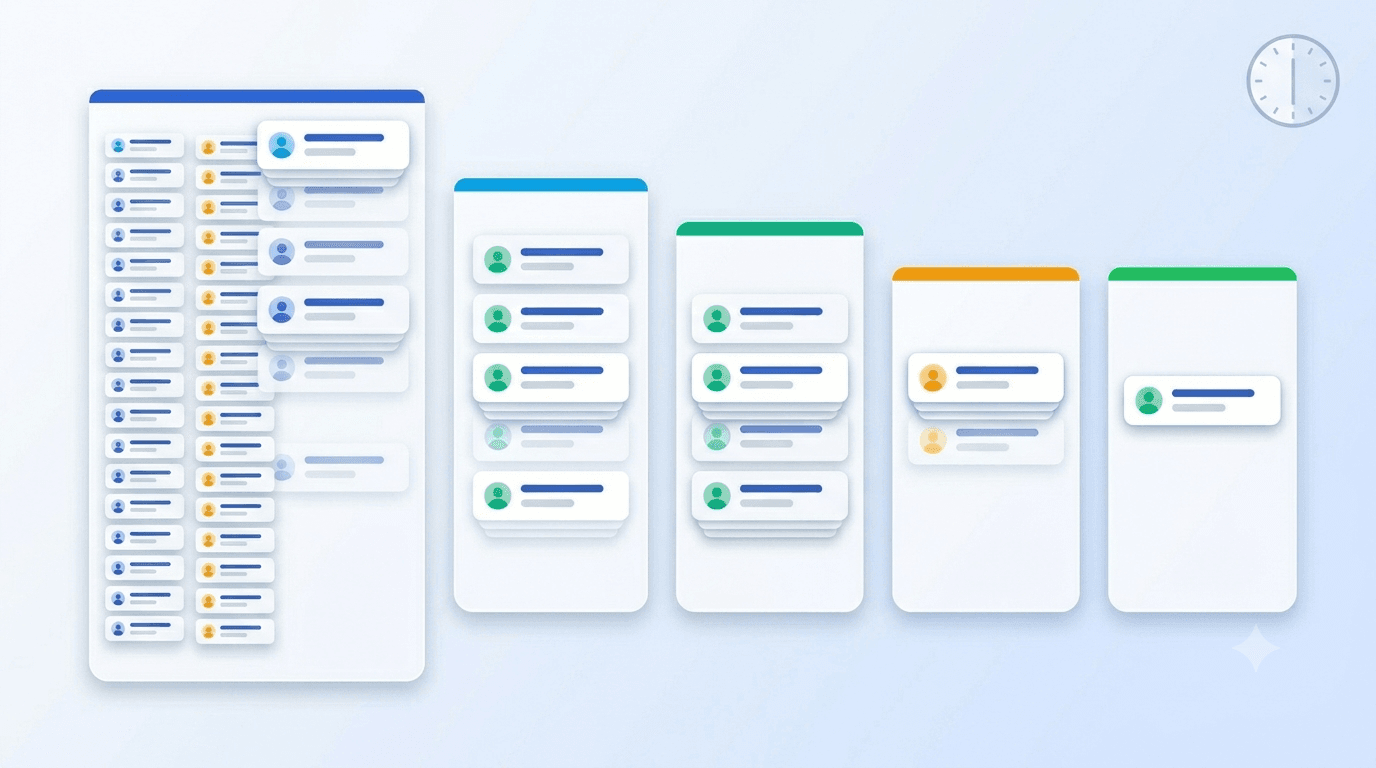
Five stages — Applied, Screening, Interview, Offer, Hired — cover the candidate's actual journey. Subevents (specific interviews, take-home assessments, reference calls) happen inside the appropriate stage rather than as separate stages. This is how most modern hiring guidance from sources like SHRM and Harvard Business Review describes the shape, and it is what the better ATS platforms ship as defaults for a reason.
TIP — The configuration-debt rule Every stage you add today is a stage you have to keep clean for every future search. A custom stage that helps you once and confuses you ten times later is a net loss. Default first; customise when you have a real reason from real candidates.
What does the 30-minute setup actually look like?
The eight steps above add up to exactly 30 minutes if you have your JD draft ready before you sit down. The breakdown:
| Step | Time | Why this matters |
|---|---|---|
| Create workspace, confirm email | 2 min | Foundation. Use a workspace name your team will recognise on emails. |
| Configure five pipeline stages | 3 min | Defaults are fine. Resist customising. |
| Create first job draft | 5 min | The JD does the heavy lifting; the ATS just hosts it. |
| Application form: 3 custom questions | 5 min | More fields = more drop-off. Cap it. |
| Hiring team for the job | 3 min | Scoping prevents data leaks and noise. |
| Auto-reply email customisation | 5 min | This email gets read by every applicant. Treat it like marketing. |
| Publish + verify career page | 5 min | Always test the apply flow yourself first. |
| Save job as template | 2 min | The compounding step. Pays back on hire two. |
If a step takes longer than budgeted, skip it for now and come back after your first applicant lands. The first applicant is the best teacher; configuring further before then is theatre.
How should the application form be designed?
Three fields beyond the defaults. That is the answer for almost every small-team role.
The first is a free-text "why this role" field, capped at about 500 characters. This is the single most predictive piece of data in an application — candidates who write a specific, role-aware answer convert at a meaningfully higher rate than candidates who paste a generic template. According to LinkedIn Talent Solutions research on application quality, role-specific applicant writing correlates with downstream hire success more strongly than most resume signals.
The second is one role-specific question. For engineering: "Link to a project you shipped and are proud of." For sales: "Walk us through a recent deal you closed, win or loss." For ops: "Describe a system you fixed that wasn't your job to fix." One question. Not five.
The third is a "how did you hear about us" source field with five or six options (Google for Jobs, LinkedIn, referral, careers page direct, paid board, other). The source data drives the source-of-hire metric next quarter, which is one of the only sourcing decisions worth making with data.
Anything beyond these three fields cuts completion rate. Demographic fields, multi-select skill checklists, custom assessments — all of them reduce applications and rarely improve signal at small scale.
What about the auto-reply email — does it really matter?
It is the single highest-volume marketing touchpoint your employer brand has. Every applicant gets it. Most teams ship the default — "Thank you for your application. We will review and get back to you" — and lose the chance.
A working auto-reply is three things: warm, specific, and signed by a human.
"The auto-reply email is the only piece of marketing copy in your hiring funnel that every single candidate reads. Treating it as a system notification is a missed quarter of brand work."
— Collin, Founder, RecruitIn
Specific means: "We'll come back to you within 7 business days, even if it's a no" or "If you don't hear from us in 10 days, please assume the role wasn't a fit — and apply again for future openings." Signed by a human means: a real name at the bottom, not "The Acme Team." Five minutes of editing here outperforms most paid employer-brand work.
When should you actually customise the pipeline?
After your third hire, not before. By then you have three pieces of real data: which stage is taking the longest, which transition is leaking candidates, and which team workflow is fighting the default pipeline shape. Make exactly one change at that point. Then run the next search and see if the change held.
The customisations that pay back most often, in order of frequency:
- Adding a "Final Decision" stage between Interview and Offer for roles where the decision meeting drags out.
- Adding sub-stages inside Interview to distinguish first-round from on-site. Most ATS platforms (including RecruitIn) support this without restructuring the top-level pipeline.
- Splitting the Screening stage into "Recruiter Screen" and "Hiring Manager Screen" if a role has two distinct first conversations.
That is the entire reasonable customisation universe at small scale. Everything else is theatre.
Closing thought
A 30-minute setup that ships today beats a four-hour setup that ships next week. Small teams underestimate the cost of pre-configuration and overestimate the cost of post-configuration changes. The defaults are good defaults. The customisations are cheap to add later. The applications you would have lost during the four-hour delay are not cheap to recover.
To run the 30-minute setup today, create a free RecruitIn workspace — five default stages preconfigured, branded career page included, no credit card. For what to do with the candidates that start landing, read how to write a job description with AI and the buyer's guide to free and affordable ATS. To understand the upgrade path, see free ATS vs paid ATS and the pricing page.